It's all in your <head>
Hello
My name is Marco
My name is Marco
- I'm married.
- I'm a father of two girls (19 and 12).
- My pronouns are he/him.
My name is Marco
- I'm married.
- I'm a father of two girls (19 and 12).
- My pronouns are he/him.
- I love music and dancing.
- I like to read.
- I'm a casual gamer and speedrunner (Super Metroid).
- I enjoy throwing balls at hoops.
My name is Marco
- I'm married.
- I'm a father of two girls (19 and 12).
- My pronouns are he/him.
- I love music and dancing.
- I like to read.
- I'm a casual gamer and speedrunner (Super Metroid).
- I enjoy throwing balls at hoops.
- I got my first computer at age 6.
- I've been online since 1996.
- I'm a Front End Developer.
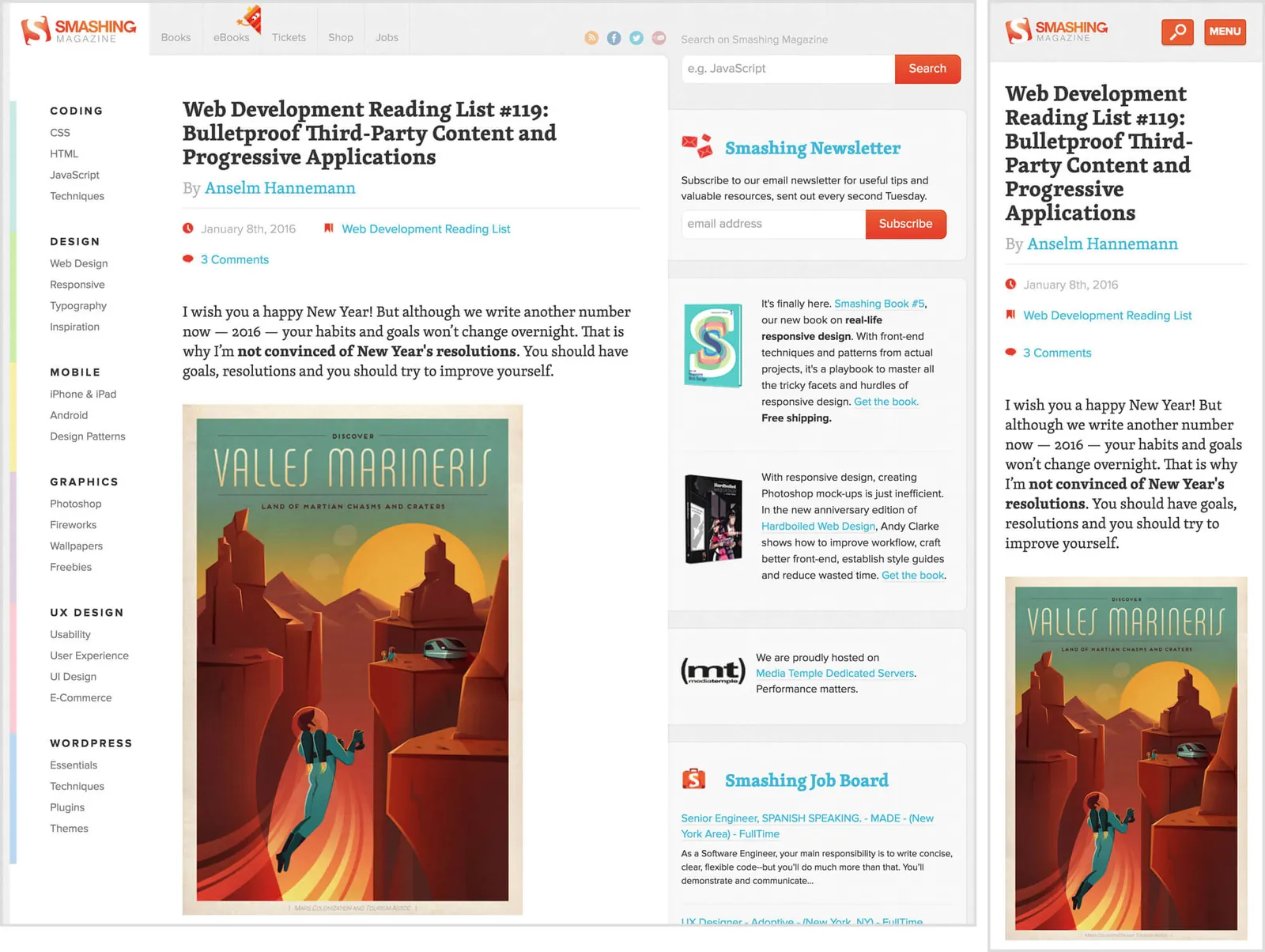
Smashing Magazine
January 2013 – mid 2016
Land in Sicht
2016 – 2020


Aufwind
since 2020







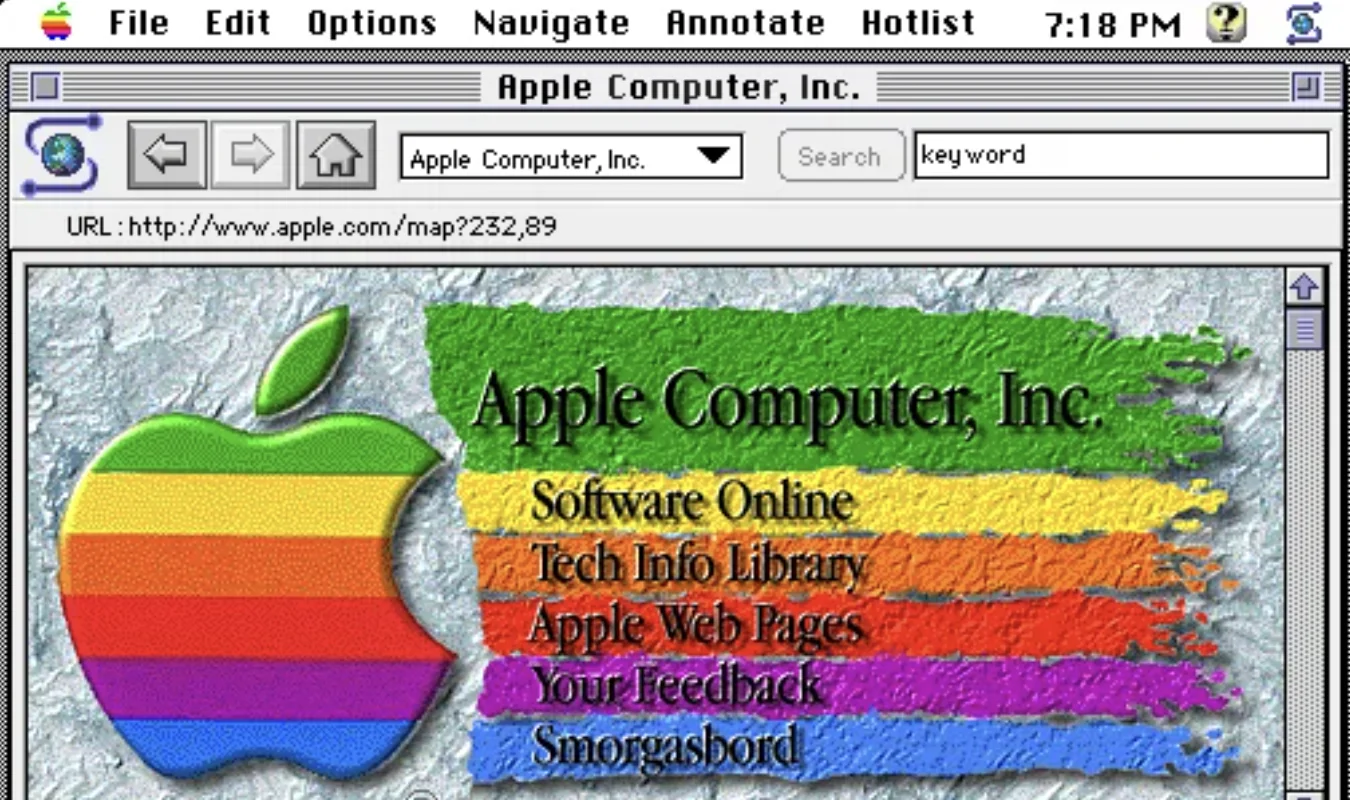
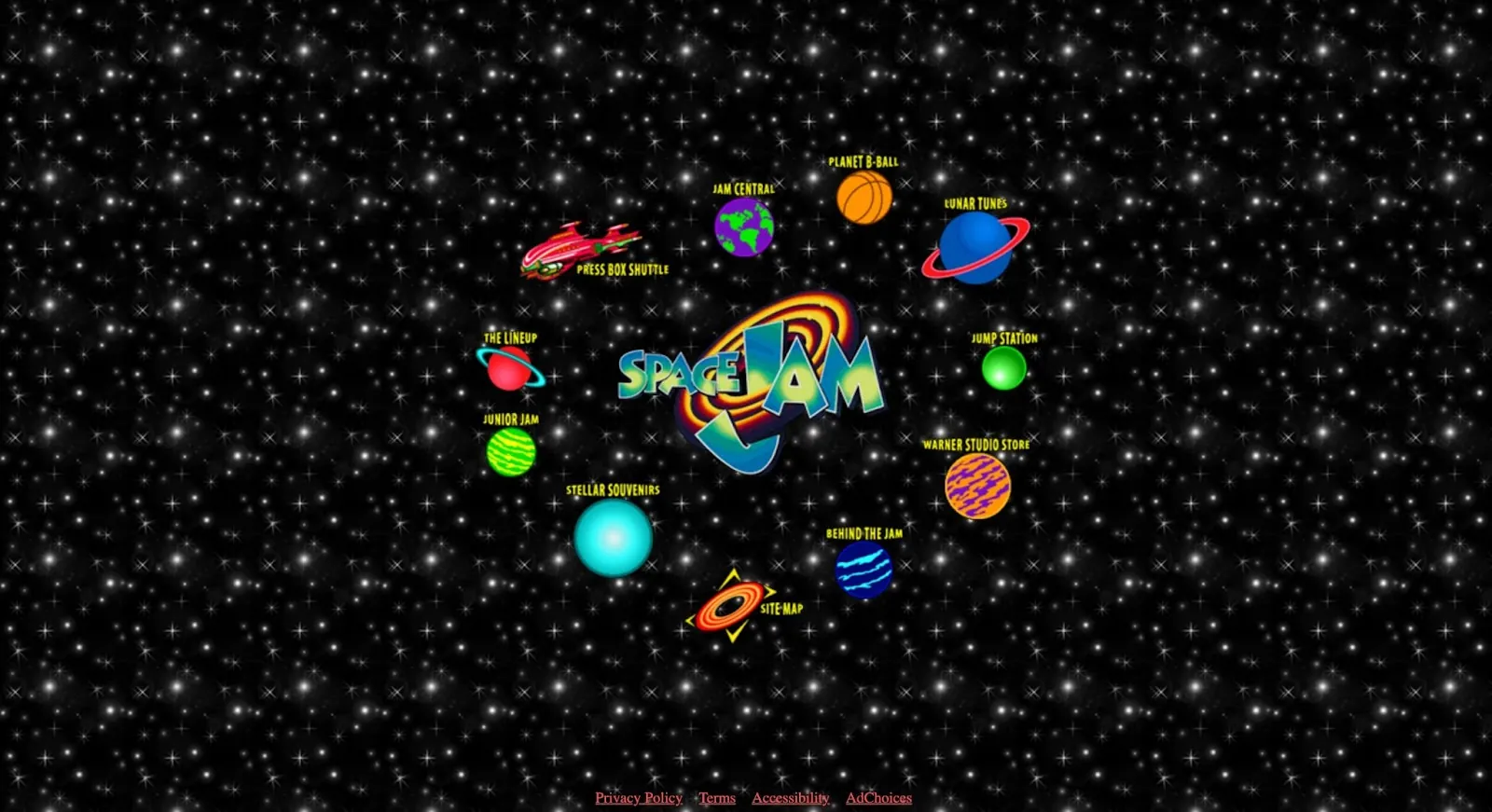
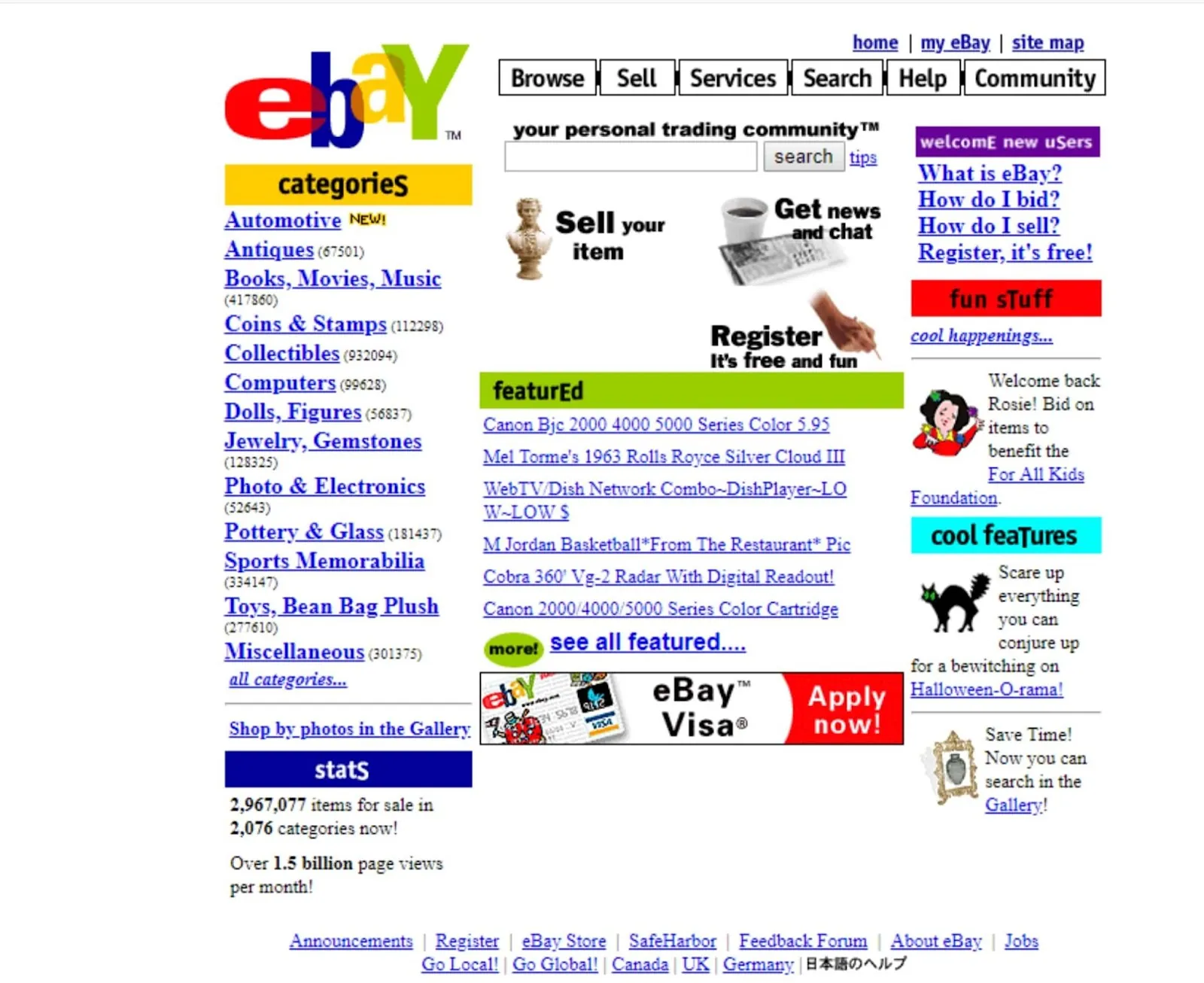

Why the <head>?
First bytes
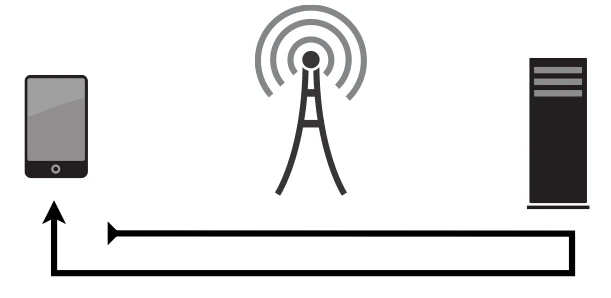
Developers love acronyms
- TTFB – Time to First Byte
- LCP – Largest Contentful Paint
- FCP – First Contentful Paint
- CLS – Cumulative Layout Shift
But in the end it's all about render blocking
But in the end it's all about render blocking
and how to prevent that
But in the end it's all about render blocking
and how to prevent that
by getting your <head> right
And the truth is:
It barely changes.
What actually changed
Added
rel="preload"preconnectprefetch
Dropped
X-UA-Compatiblemeta name="keywords"- The favicon sprawl
The order
This is it
<head>
    <meta charset="utf-8">
    <meta name="viewport" content="width=device-width, initial-scale=1">
    <title>Page Title</title>
    <link rel="preload" href="/css/site.css?v=0.0.1" as="style" type="text/css">
    <link rel="preload" href="/fonts/primary.woff2" as="font" type="font/woff2" crossorigin>
    <script>/* fontloading.js inlined */</script>
    <style>/* critical CSS inlined */</style>
    <link rel="stylesheet" media="print" onload="this.media='screen'" href="/css/site.css?v=0.0.1">
    <noscript><link rel="stylesheet" href="/css/site.css?v=0.0.1"></noscript>
    <meta name="description" content="…">
    <link rel="canonical" href="…">
    <script>/* cut-the-mustard inlined */</script>
    <link rel="icon" type="image/svg+xml" href="/favicon/favicon.svg">
    <link rel="apple-touch-icon" sizes="180x180" href="/favicon/apple-touch-icon.png">
    <link rel="manifest" href="/site.webmanifest">
</head>Thanks for your time
10 steps, always in this order
meta charsetviewporttitle
10 steps, always in this order
meta charsetviewporttitle- Preloads (CSS, fonts)
- Font loading (inline JS)
- Critical CSS (inline)
- Async main stylesheet
10 steps, always in this order
meta charsetviewporttitle- Preloads (CSS, fonts)
- Font loading (inline JS)
- Critical CSS (inline)
- Async main stylesheet
- SEO meta (description, canonical, hreflang)
- Feature detection (inline JS)
- Favicons
Why this order?
1. meta charset
Charset – very first thing
<meta charset="utf-8">2. viewport
The standard viewport
<meta name="viewport"
      content="width=device-width, initial-scale=1">
Leave zoom alone
<!-- Please don't -->
<meta name="viewport"
      content="width=device-width,
               initial-scale=1,
               maximum-scale=1,
user-scalable=no">3. title
Title
<title>My beautiful website</title>4. Preloads
What is preload?
What to preload?
<link rel="preload"
      href="/css/site.css?v=0.0.1"
      as="style"
      type="text/css" />

<link rel="preload"
      href="/fonts/FiraSans-Variable.woff2"
      as="font"
      type="font/woff2"
crossorigin />The traps
The traps
crossorigin · as
The traps
crossorigin · as
type
The traps
crossorigin · as
type
Don't overdo it
5. Font Loading
Layer 1: Preload
<link rel="preload"
      href="/fonts/FiraSans-Variable.woff2"
      as="font"
      type="font/woff2"
      crossorigin />

<link rel="preload"
      href="/fonts/FiraCode-Variable.woff2"
      as="font"
      type="font/woff2"
crossorigin />Layer 2: sessionStorage fontloading script
(function () {
    'use strict';
    if (sessionStorage.fontsLoaded) {
        document.documentElement.className += ' fonts-loaded-1 fonts-loaded-2';
        return;
    }
    if ('fonts' in document) {
        document.fonts.load('400 1em FiraSans').then(function () {
            document.documentElement.className += ' fonts-loaded-1';
            document.fonts.load('700 1em FiraCode').then(function () {
                document.documentElement.className += ' fonts-loaded-2';
                sessionStorage.fontsLoaded = true;
            });
        });
    }
})();Layer 3: font-family in critical CSS
@font-face {
    font-family: 'FiraSans';
    src: url('/fonts/FiraSans-Variable.woff2') format('woff2');
    font-weight: 100 900;
    font-display: swap;
}

body {
    font-family: 'Helvetica Neue', sans-serif;
}

.fonts-loaded-1 body {
    font-family: 'FiraSans', sans-serif;
}6. Critical CSS
What is critical CSS?
<style>
    /* critical.css */
</style>What goes in?
@import 'foundation/fonts';
@import 'foundation/normalize';
@import 'foundation/typography';
@import 'foundation/header';
@import 'foundation/hero';Keep it simple and small
The ideal is to have HTML and critical CSS up until this point to be 14kb maximum.
7. Async Main Stylesheet
The main stylesheet – without blocking
<link rel="stylesheet"
      media="print"
      onload="this.media='screen'"
      href="/css/site.css?v=0.0.1" />

<noscript>
    <link rel="stylesheet"
          href="/css/site.css?v=0.0.1" />
</noscript>Cache busting
<link href="/css/site.css?v=0.0.1" />8. SEO Meta
Description, canonical, hreflang
<meta name="description"
      content="Personal website and blog" />

<link rel="canonical"
      href="https://your-website.com/" />

<link rel="alternate"
      hreflang="de"
      href="https://your-website.com/" />
<link rel="alternate"
      hreflang="en"
href="https://your-website.com/en/" />9. Feature Detection
A cool one-liner
<html lang="en" class="no-js">document.documentElement.classList.replace('no-js', 'js');What does this buy you?
/* Hide JS-only components when no JS */
.no-js .js-only {
    display: none;
}

/* Hide no-JS fallbacks when JS is available */
.js .no-js-only {
    display: none;
}
Why inline and this early?
- The script runs synchronously, before any CSS renders.
- The class is on
<html>before the first pixel is painted. - No extra request, no
defer, no race condition.
10. Favicons
The minimum
<link rel="icon"
      type="image/svg+xml"
      href="/favicon/favicon.svg">
<link rel="icon"
      type="image/png"
      sizes="32x32"
      href="/favicon/favicon-32x32.png">
<link rel="apple-touch-icon"
      sizes="180x180"
      href="/favicon/apple-touch-icon.png">
<link rel="manifest"
      href="/site.webmanifest">
Why all the way at the end?
The whole block
Top to bottom
<head>
    <meta charset="utf-8">
    <meta name="viewport" content="width=device-width, initial-scale=1">
    <title>Page Title</title>
    <link rel="preload" href="/css/site.css?v=0.0.1" as="style" type="text/css">
    <link rel="preload" href="/fonts/primary.woff2" as="font" type="font/woff2" crossorigin>
    <script>/* fontloading.js inlined */</script>
    <style>/* critical CSS inlined */</style>
    <link rel="stylesheet" media="print" onload="this.media='screen'" href="/css/site.css?v=0.0.1">
    <noscript><link rel="stylesheet" href="/css/site.css?v=0.0.1"></noscript>
    <meta name="description" content="…">
    <link rel="canonical" href="…">
    <script>/* cut-the-mustard inlined */</script>
    <link rel="icon" type="image/svg+xml" href="/favicon/favicon.svg">
    <link rel="apple-touch-icon" sizes="180x180" href="/favicon/apple-touch-icon.png">
    <link rel="manifest" href="/site.webmanifest">
</head>
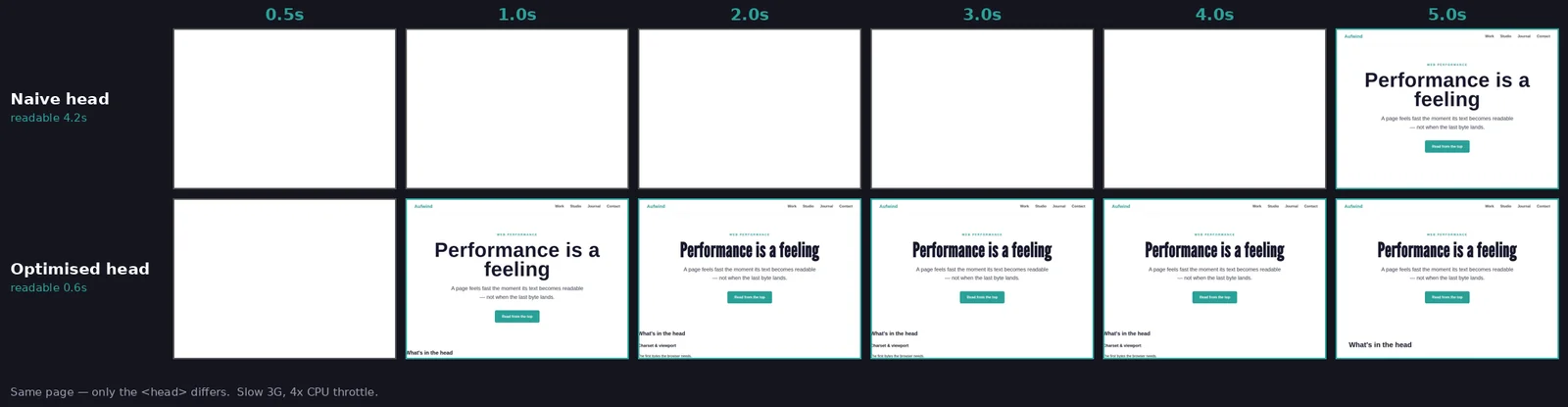
Same page. Two heads.
Checklist
Performance checklist
- Preload correctly with
type,as— andcrossoriginif it's a font - Don't preload everything
font-display: swapin@font-face- Font loading with class toggle and sessionStorage
- Critical CSS inlined
- Main stylesheet loaded async (print-media trick)
<noscript>fallback for stylesheets- Cache busting via version query string
- Small scripts inlined
no-jsclass on<html>
Performance checklist
- Preload correctly with
type,as— andcrossoriginif it's a font - Don't preload everything
font-display: swapin@font-face- Font loading with class toggle and sessionStorage
- Critical CSS inlined
- Main stylesheet loaded async (print-media trick)
<noscript>fallback for stylesheets- Cache busting via version query string
- Small scripts inlined
no-jsclass on<html>- Host resources yourself

Thanks!
marco-hengstenberg.de